General
Compare the best text-to-3D tools for engineering teams. Honest assessment of mesh generation, print-readiness, and which platforms actually deliver for mechanical engineers.
·
⏱
8 min read

Maor Farid
Ph.D. Mechanical Engineering · Co-Founder & CEO
Michelle Ben-David is a mechanical engineer and Technion graduate. She served in an IDF elite technology and intelligence unit, where she developed multidisciplinary systems integrating mechanics, electronics, and advanced algorithms. Her engineering background spans robotics, medical devices, and automotive systems.
BOTTOM LINE
AI-powered fastener selection cross-checks geometry, material, thread engagement, torque requirements, and your approved vendor list in seconds — eliminating the back-and-forth that adds days to assembly design cycles.
Choosing the right text-to-3D tool isn't as simple as picking whatever shows up first in your search results. For engineering leaders managing teams of 20+ engineers, the decision comes down to practical considerations that directly impact productivity and output quality.
This guide breaks down the key features you need to evaluate, then compares five platforms currently on the market. We'll look at what each does well, where they fall short, and which use cases they're best suited for.
Key Features To Evaluate
Before diving into specific tools, here's what actually matters when selecting a text-to-3D platform for engineering teams:
Text prompt input quality. You should be able to describe what you want using plain language ("gear knob with knurled surface", "bracket with 4 mounting holes, 50mm spacing"). The best tools understand engineering terminology, not just creative descriptions.
Export formats for 3D printing. Look for STL, OBJ, or other mesh formats that slicing software can handle. Some tools specify "print-ready" but that claim varies widely in practice.
Mesh optimization and print-readiness. The mesh should be watertight (no holes), have proper wall thickness, and be suitable for physical printing. A rough concept mesh is different from something you can actually manufacture.
Dimensional control. Being able to set actual dimensions matters. A cool-looking model that doesn't fit your printer bed or match your assembly requirements isn't useful.
Refinement capabilities. Text alone rarely gets you exactly what you need. The ability to iterate, adjust, and refine without starting over saves significant time.
Workflow integration. How does this tool fit with your existing CAD environment, PLM system, and team processes? A standalone tool that doesn't connect to anything creates more work, not less.
Total cost of ownership. Free tiers and trials help you evaluate, but consider what happens at scale with a team of engineers using it daily.
IN PRACTICE · HP ENGINEERING TEAM
"We had a senior engineer leave after 11 years. Within two weeks, the team was querying his documentation through Leo like he was still there. That's when we knew this was different."
— Senior Mechanical Engineering Manager, HP Inc.
1. Leo AI
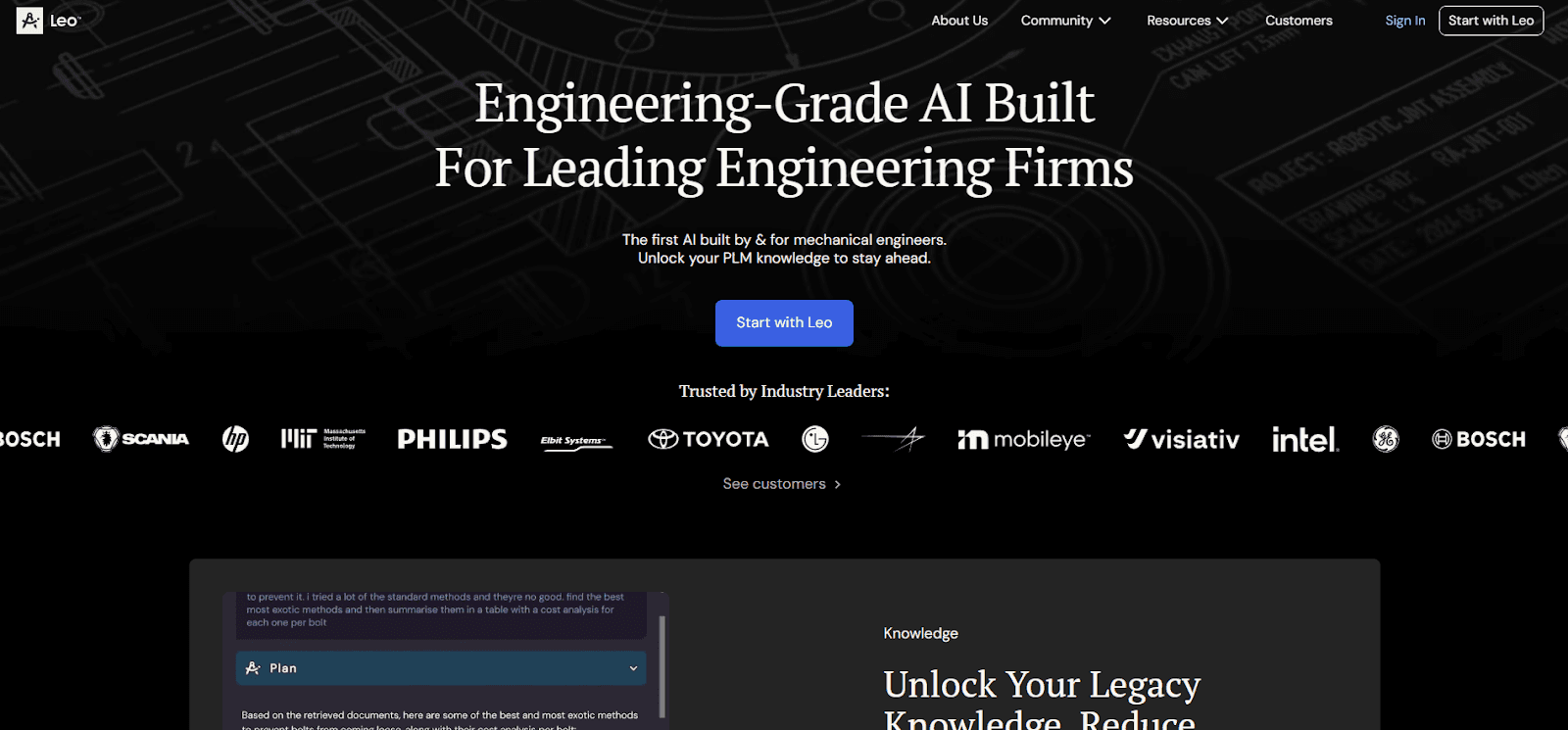
Leo AI is a mechanical engineering copilot built specifically for engineering teams. Unlike general-purpose 3D generators, Leo focuses on the actual bottlenecks that slow down engineering organizations.
What Leo Actually Does
Leo generates 3D mesh concepts from text descriptions. This is useful for rapid conceptualization, turning ideas into visual models in minutes instead of hours. But mesh generation is just one capability in a broader toolkit designed for engineering productivity.
The core value for engineering leaders comes from:
Technical Q&A with verified sources. Engineers get instant answers sourced from over 1 million technical references. Instead of hunting through documentation or waiting for tribal knowledge to surface, teams access reliable information immediately.
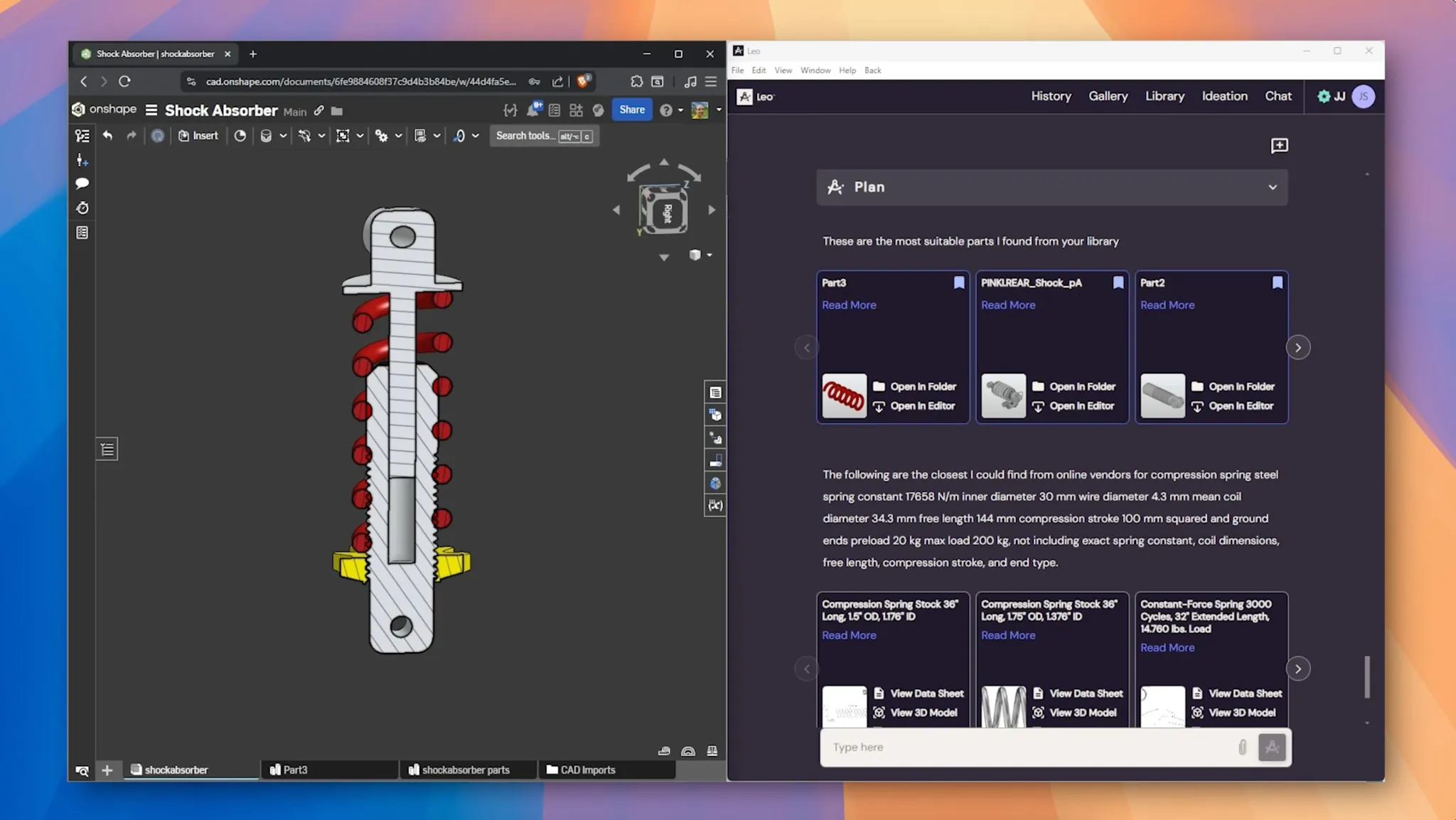
Part search across PLM and vendor catalogs. Leo searches your organization's PLM system alongside 120+ million vendor parts. Finding existing parts instead of designing duplicates saves significant engineering hours.
Engineering calculations. Run standard calculations directly in your workflow without switching to spreadsheets or specialty tools.
Design inspection and review. Analyze designs against best practices and catch potential issues earlier in the development cycle.
Documentation generation. Automatically create BOMs, statements of work, and manufacturing documentation from your designs.
Why Engineering Leaders Choose Leo
Leo works within SOLIDWORKS, Onshape, and other CAD environments your team already uses. It integrates with PLM and PDM systems, so the AI understands your organization's actual part library and design history.
The platform is SOC 2 certified with zero training on customer data. For companies with IP concerns, that matters.
Current adoption includes 60,000+ engineers at companies like HP, Scania, Intel, and Mobileye. Distribution through VARs covers the US, UK, India, France, Germany, Poland, Benelux, and Israel.
Measured results from deployments show 34% reduction in design errors, 32% increase in part reuse, and 5-7 hours saved per engineer per week.
What Leo Doesn't Do
Leo generates mesh for conceptualization, not native parametric CAD files. The mesh exports to CAD tools for refinement, but Leo isn't trying to replace your CAD software. It's designed to accelerate the decisions and research that happen around the CAD work.
2. CADScribe
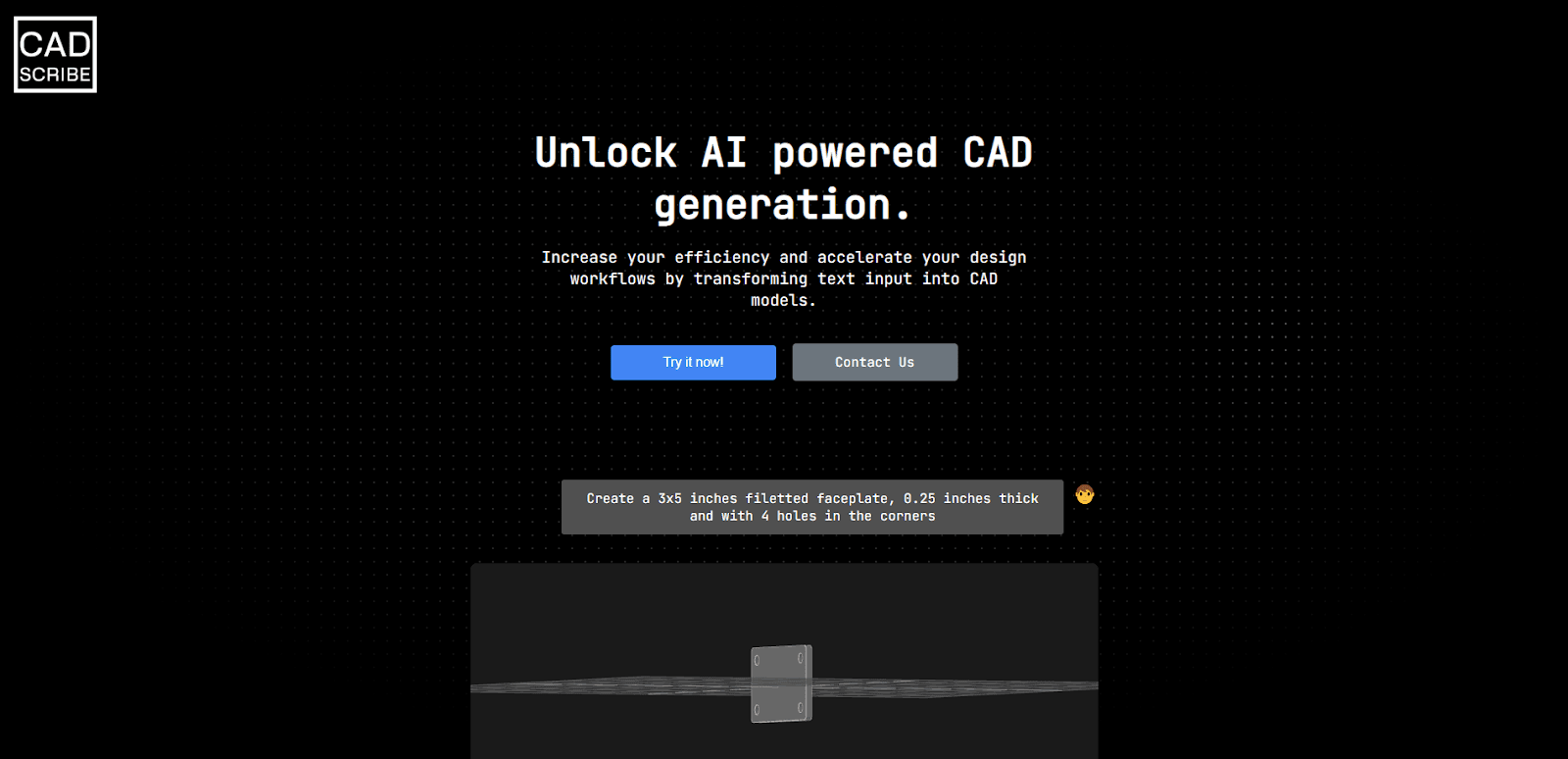
CADScribe is a browser-based AI tool that generates editable CAD geometry from natural language prompts. It's positioned for early-stage ideation where you need a starting point quickly.
Strengths
The tool creates dimensionally accurate base geometries that you can edit in traditional CAD software. For simple mechanical components, this accelerates the initial setup phase.
Revision history tracking flags changes between design iterations, which helps teams avoid errors across multiple design cycles.
Limitations
CADScribe handles basic shapes well but struggles with complex geometries. Detailed engineering concepts are difficult to convey through text alone.
API access and model parametrization are still in development, so the platform isn't suited for production-level engineering workflows yet. For teams needing precision, control, and depth, traditional CAD software remains necessary for the detailed work.
3. PrintPal
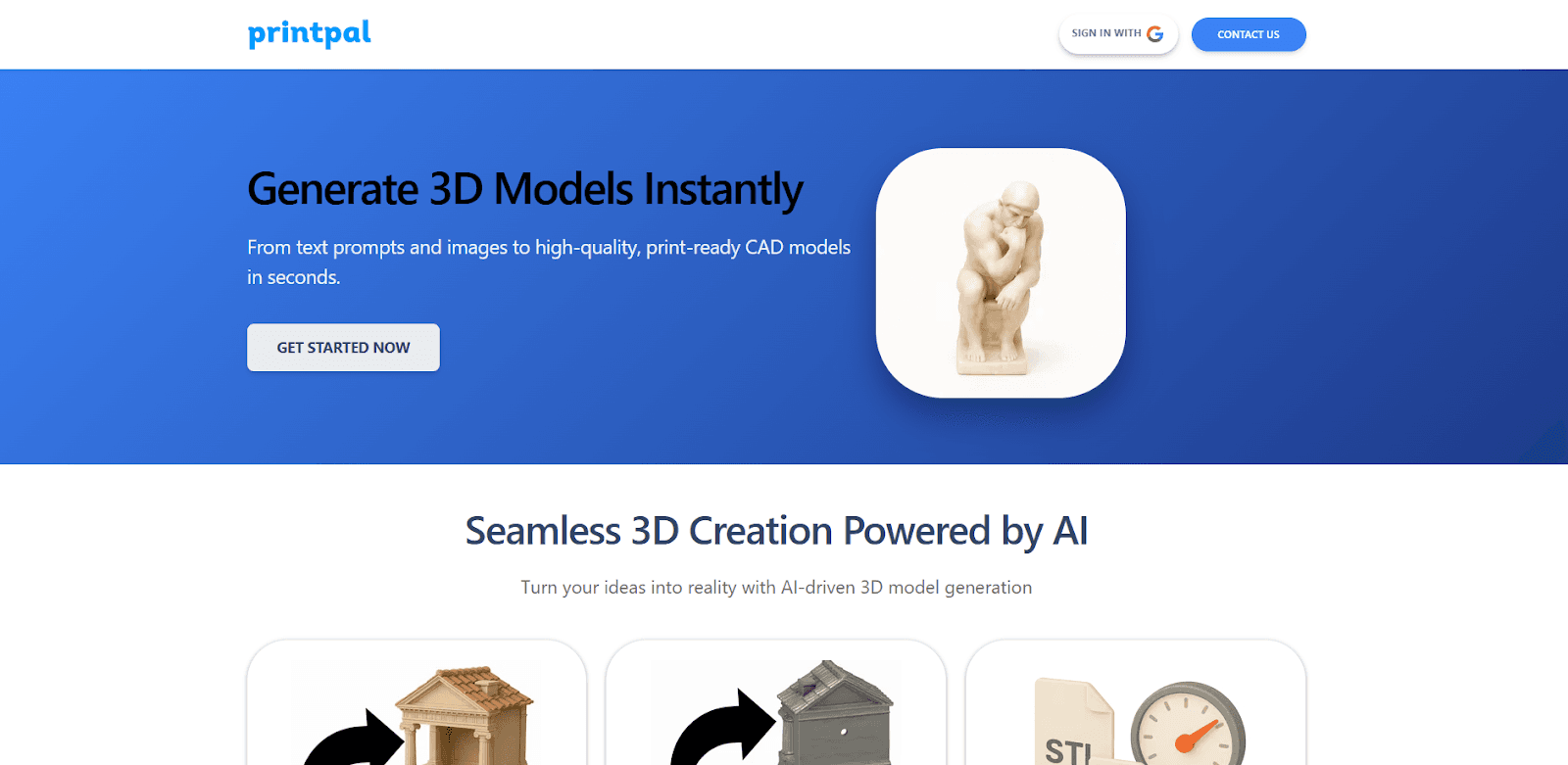
PrintPal focuses on making 3D design accessible to people without CAD experience. It generates print-ready 3D models from text and image prompts.
Strengths
The platform removes the learning curve of complex modeling software. For product visualization, mockups, custom parts, and fast prototyping, it delivers usable results quickly.
Automatic mesh repair ensures models work across different applications. Export formats include STL, OBJ, and GLB.
Limitations
PrintPal isn't suited for highly detailed organic modeling, intricate mechanical features (like precise screw threads), or complex surface work. Those still require feature-rich CAD software.
For engineering teams with existing CAD expertise, PrintPal solves a problem they don't have. The tool makes more sense for cross-functional collaborators who need to participate in design discussions without CAD training.
4. Magic 3D
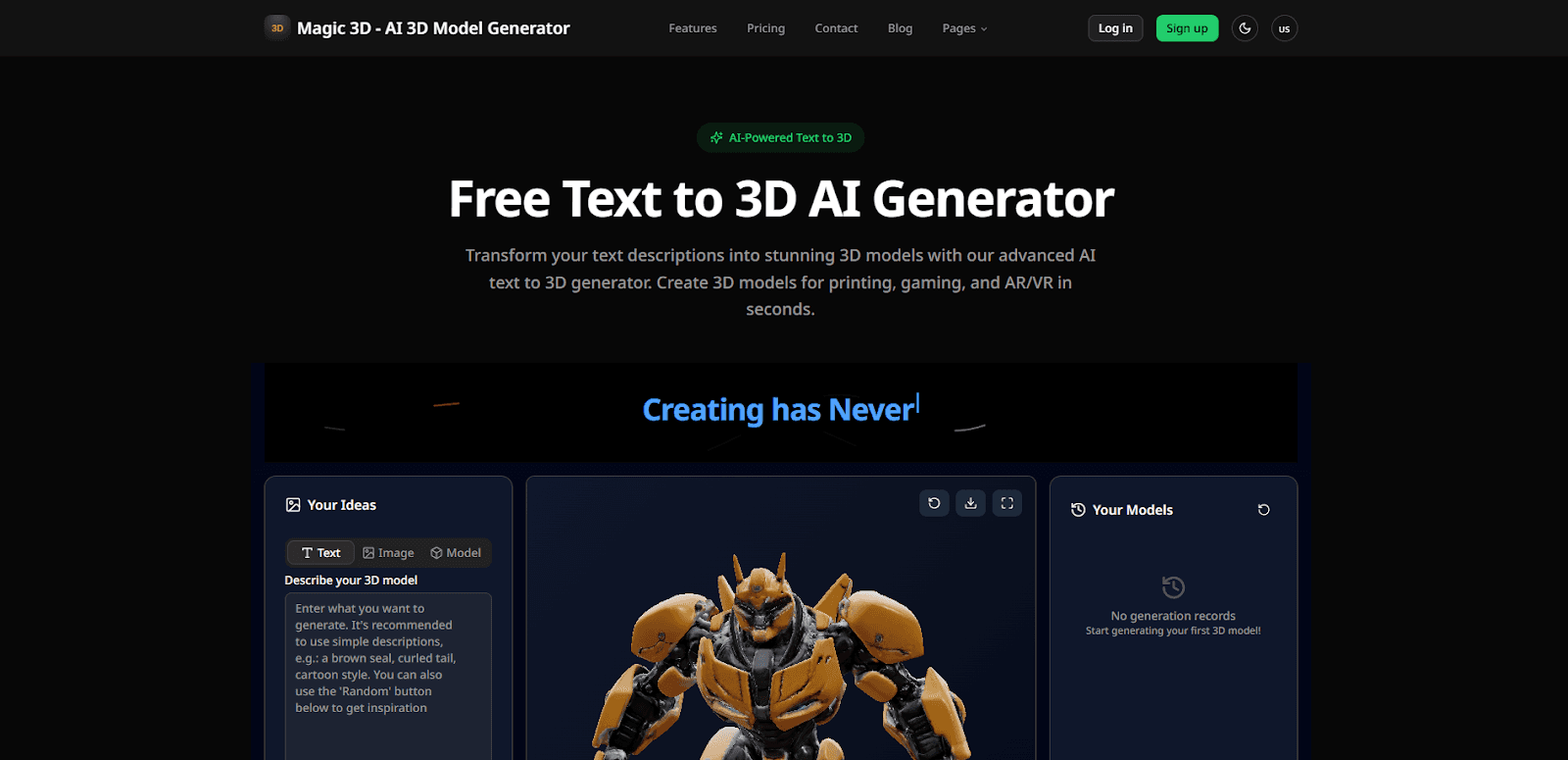
Magic 3D creates high-resolution, textured 3D assets using a coarse-to-fine optimization process. The target use cases are gaming, AR/VR, and creative visualization.
Strengths
The two-stage framework produces detailed meshes while preserving fine surface details. Users can adjust parts of their text prompt and the system updates both the neural representation and the 3D mesh.
Export formats include GLB, STL, and OBJ. All generated models can be used commercially.
Limitations
Magic 3D is optimized for visual quality, not mechanical precision. The workflow and output are designed for creative applications rather than engineering requirements.
For product designers creating visual concepts or gaming assets, it's a strong option. For mechanical engineers who need manufacturable geometry, it's not the right tool.
5. 3D AI Studio
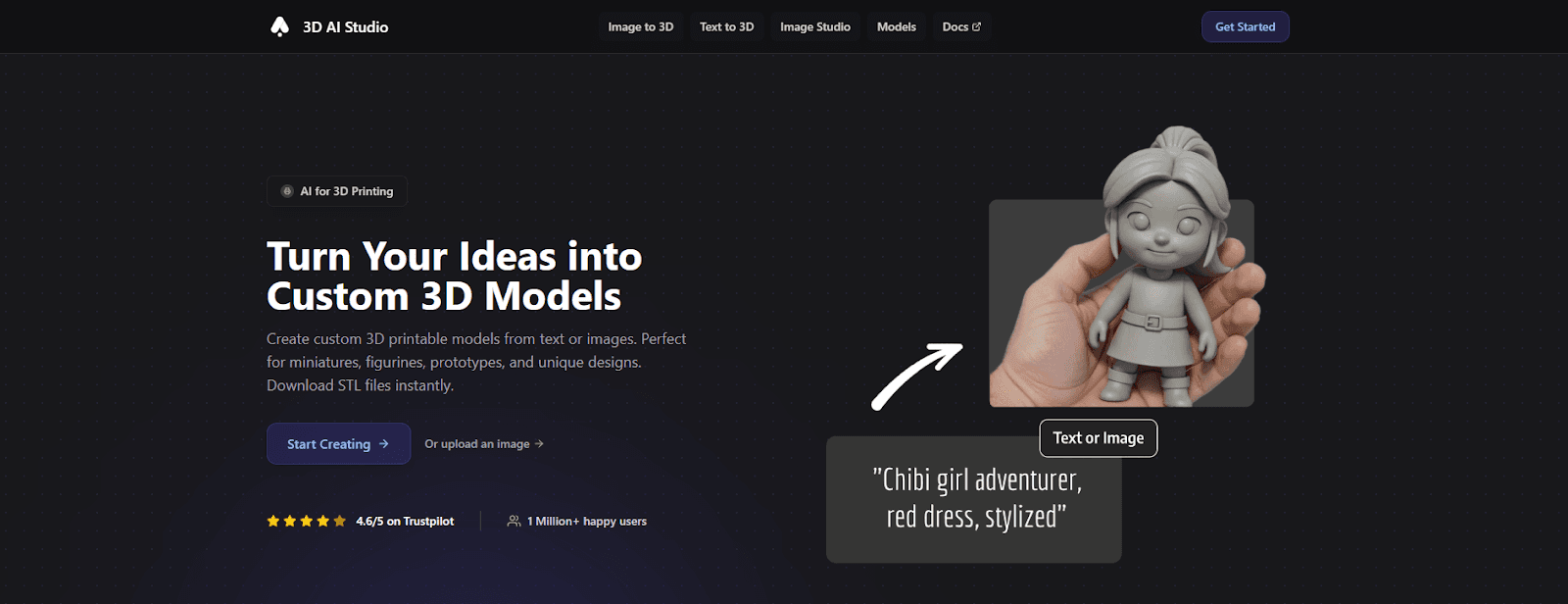
3D AI Studio converts text prompts or 2D images into 3D models. The platform includes AI texturing and mesh optimization tools.
Strengths
Quad-Remeshing helps optimize mesh topology for manufacturing. Export to STL and 3MF means files are print-ready for FDM or resin printers.
The platform handles a wide range of projects: prototypes, mechanical parts, miniatures, figurines, decorative pieces, and architectural models.
Limitations
Like most general-purpose generators, the tool focuses on creating standalone models rather than integrating with engineering workflows. For teams that need AI assistance across the entire product development process, not just initial geometry creation, the platform addresses only one piece of the puzzle.
What Engineering Leaders Should Consider
The tools in this comparison serve different purposes. Some generate visual concepts quickly. Others create editable geometry for further refinement. Only one (Leo AI) addresses the broader engineering productivity challenges that actually consume most of an engineering team's time.
Consider where your bottlenecks actually are:
If your team spends hours searching for existing parts that might already be in your PLM system or available from vendors, part search capabilities matter more than geometry generation.
If tribal knowledge is locked in senior engineers' heads and newer team members struggle to get answers, technical Q&A with verified sources has immediate impact.
If design reviews catch errors late because earlier checks were skipped or inconsistent, automated design inspection pays dividends.
If documentation takes hours after the actual engineering work is done, automated BOM and documentation generation frees up engineering time for engineering work.
If early conceptualization is the bottleneck, mesh generation from text descriptions accelerates that phase. But for most engineering organizations, conceptualization isn't where most time gets lost.
Recommended Approach
Pick one tool and test it on a real part from your current workload. Craft a detailed prompt, export the result, and run it through your slicer or CAD environment to check for usability.
For engineering teams evaluating Leo AI specifically, the mesh generation is worth testing. But also test the technical Q&A, part search, and calculation features. Those capabilities often deliver more daily value than any geometry generator.
The right tool saves time and reduces frustration. The wrong one creates more work than it eliminates. What separates the two comes down to how well the tool understands engineering workflows, not just how impressive the demo looks.
STOP LOSING ENGINEERING KNOWLEDGE
Every resignation email is a knowledge transfer you are not ready for.
Leo AI makes the institutional knowledge already in your CAD vault searchable by every engineer on your team - before the next senior engineer walks out the door.
Schedule a Demo →

#1 New AI Software Globally - G2 2026

Enterprise-grade security

Trusted by HP, Scania, GE and 50+ teams